Description
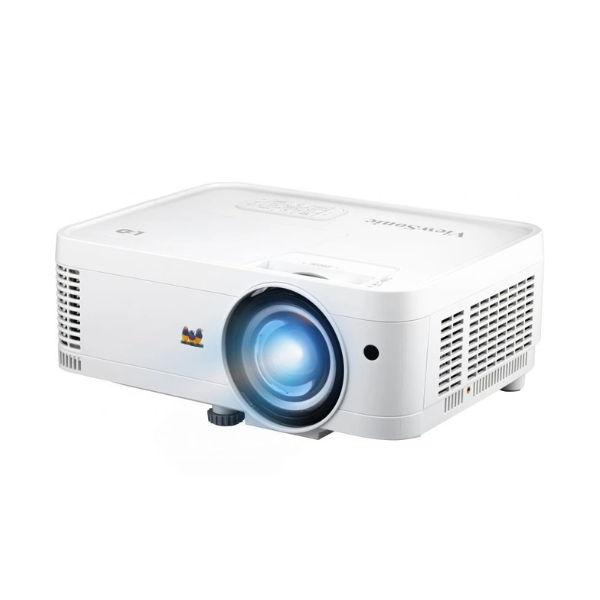
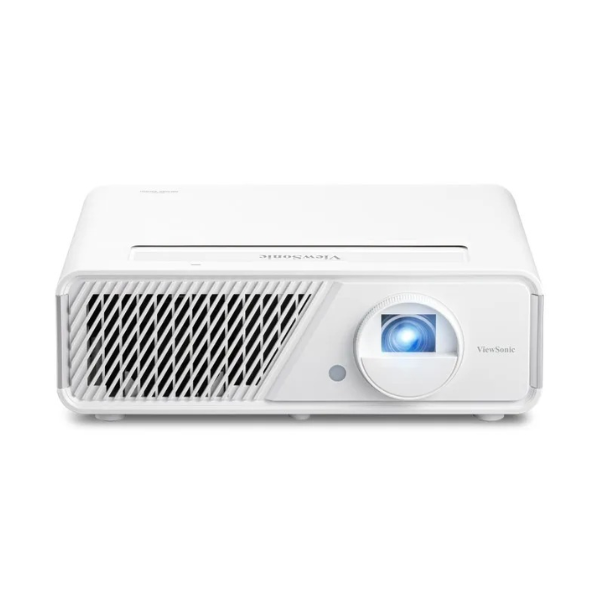
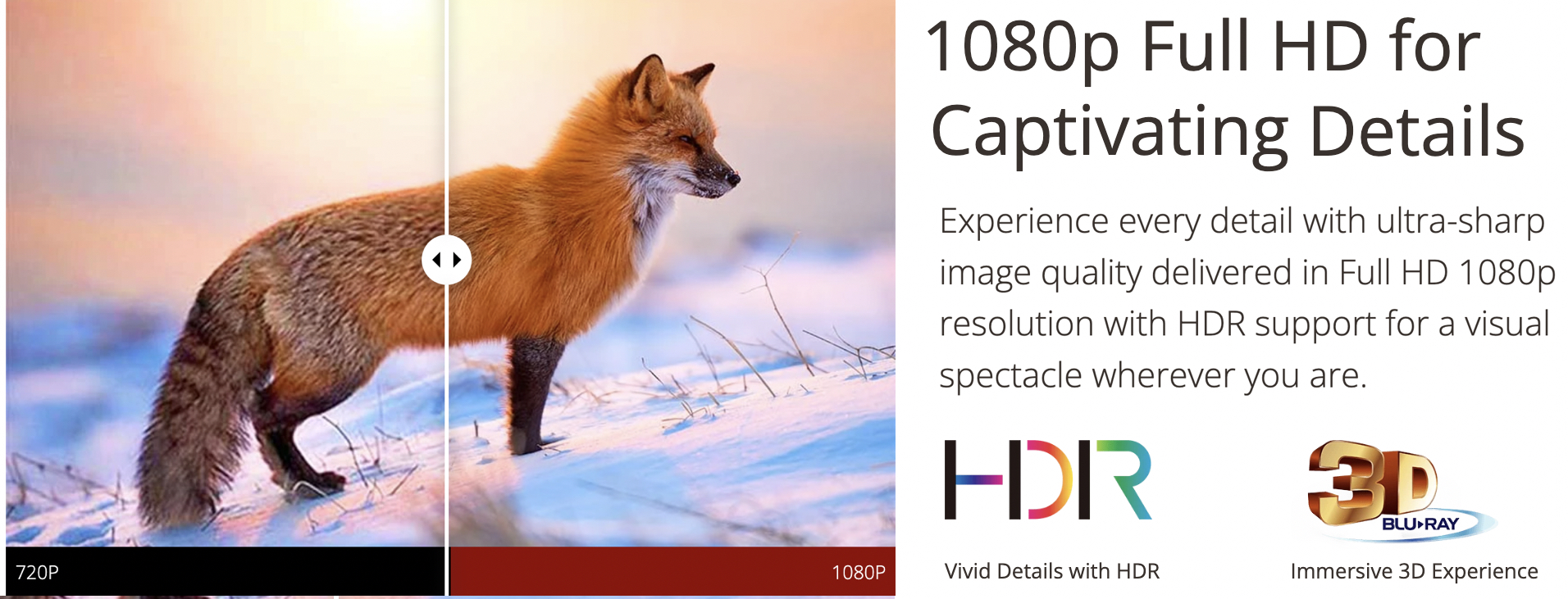
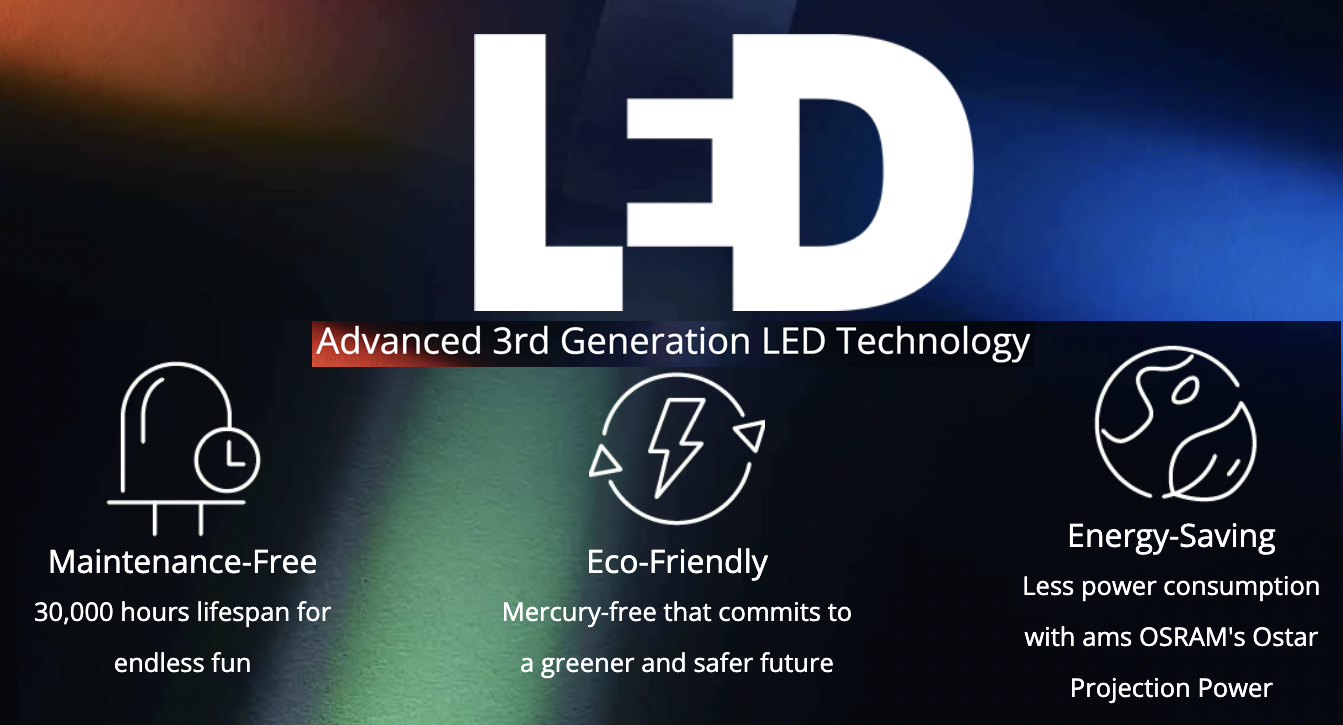
The ViewSonic’s X1 is one of the first lamp-free high brightness smart projector for meeting spaces and home cinema. Powered by 3rd generation LED technology and 3,100 LED Lumens of brightness, the X1 replaces frequent lamp replacement with immediate and immersive big-screen entertainment through instant on/off capability, cinematic colours covering 125% Rec.709, and an impressive lifespan of 30,000 hours. Dual speakers customised by Harman Kardon deliver powerful, room-filling sound for AVs or music streamed directly from your smartphone, with the option to connect Bluetooth headphones for personal entertainment. Embedded Wi-Fi connectivity enables screen mirroring directly from smart devices to the big screen. The vertical lens shift, 1.3x optical zoom, H&V keystone, and 4-corner adjustment capabilities, installing this 1080p projector convenient & easy.
 Wireless Screen Mirroring from Your Smart Devices
Thanks to the embedded 5GHz fast speed Wi-Fi connectivity, you can cast or screen-mirror* content from your devices at hand to the big screen without a single cable.
Direct Content Streaming via USB Type-C
Project content directly from your phone or other mobile devices via USB Type-C while simultaneously charging it. Stream videos, FaceTime with friends, or play Nintendo® Switch on the big screen without a docking station, all through a single cable.

The tool-free, lens shift control knobs make the adjusting of the projection lens a piece of cake. The X1 offers the flexibility of vertical image adjustment so that the users can adjust the location of the projected image without moving the projector – no need to renovate the interior design when mounting the projector.
Intuitive Touch Control with Your Phone
Now you can turn your mobile device into an alternative powerful remote control – intuitive touch control, easy typing, and simple annotation on the big screen. Simply download the ViewSonic vCastSender app on your phone, make sure your phone and the projector are connected to the same Wi-Fi network, and pair them up in the app to get started.